Search Functionality In Options Lists
January 9, 2026
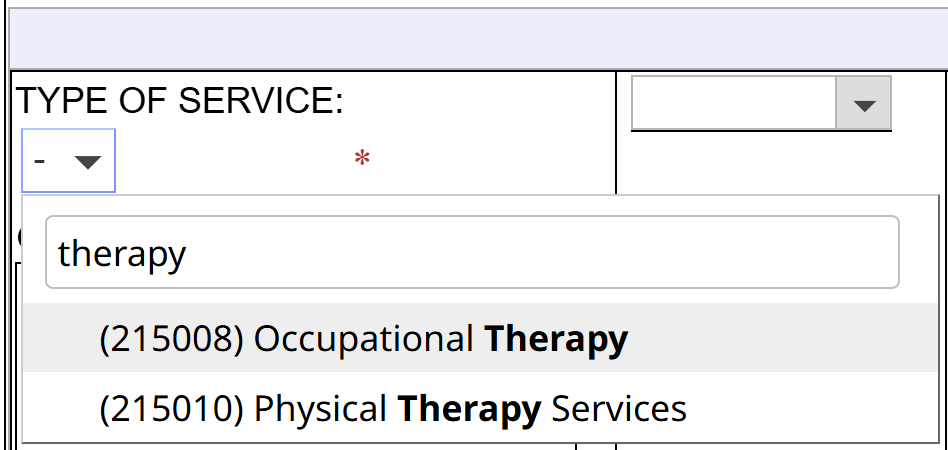
We are thrilled to announce that options lists throughout SameGoal are now searchable! Instead of scrolling through long lists, you can start typing to quickly find the option you’re looking for.
This new feature will help save document authors time and make completing documents faster and more efficient, especially when working with lists that include many items.
Steps
To search for an item in an options list:- Click into the options list field.
- A dropdown menu with a search bar should appear.
- Begin typing in the search bar.
- The list will update automatically as you type.
- You may hit enter or click on an item to select it.
lightbulb Tip
The search functionality does not apply to bank values.