search
At SameGoal, protecting student data is a top priority. And part of that is making sure users only have access to information that is pertinent to them.
In the system, administrative users can apply building permissions to users. Until now, if a user had permissions for a given building, they could see all students in that building listed on the Students / create new page.* However, beginning soon, student visibility will change for non-administrative users:
This will help to ensure users only have visibility for the correct students, which is especially helpful for general education teachers and non-district staff who have SameGoal accounts.
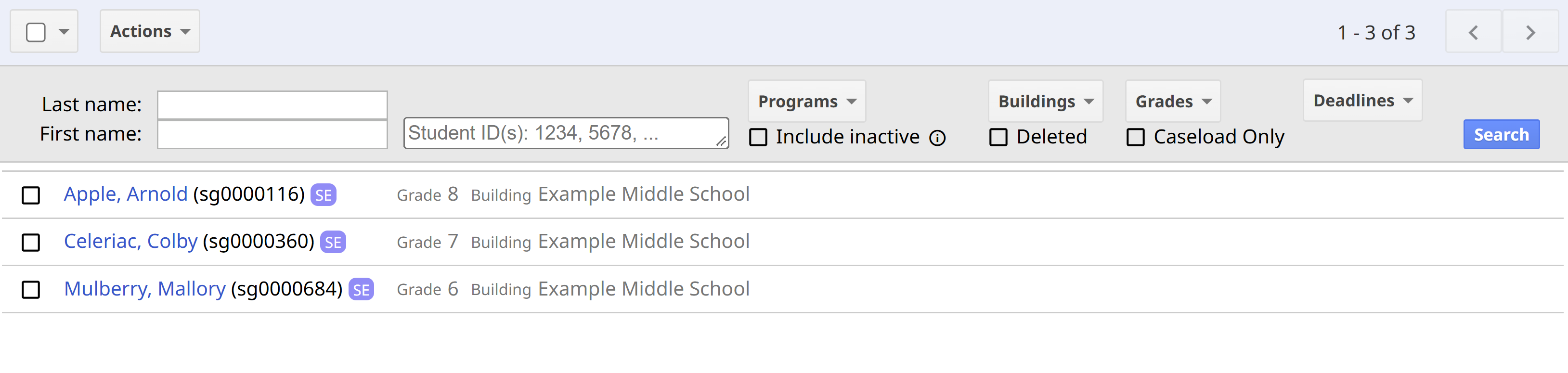
* Building permissions control student visibility on the Students / create new page. However, in order to view a student’s documents, a user would need either default or explicit document access. In order to see demographic and program information for a student, a user would need to have an educational interest in the student.