search
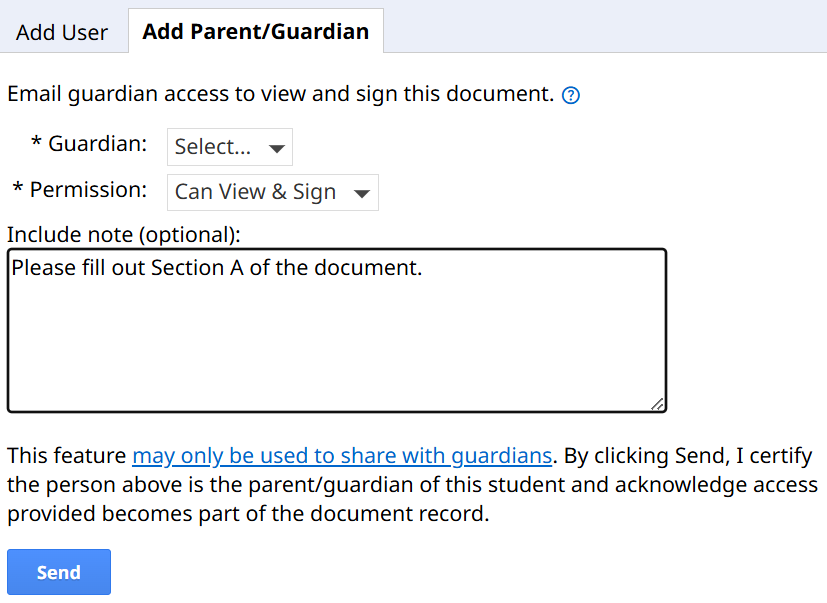
Users on the PLUS or PRO edition of SameGoal have the ability to electronically share documents with parents/guardians. When documents are shared with guardians, they will receive an email containing a link to the document(s). This allows parents to view documents remotely during meetings as well as electronically sign documents.
When sharing documents with a parent/guardian, they can be granted either Can View or Can View & Sign access. If a guardian has Can View access, they will see a read-only copy of the document. If they have Can View & Sign access, they will not only be able to electronically sign the document, but they can also edit signature-related fields (such as consent questions) and other parent/guardian-specific fields.
Based on feedback we’ve received, guardians often struggle to know which fields they are able to fill out. In order to make it clear which fields they are able to edit, we are rolling out a new feature that will highlight parent/guardian fields when a guardian is viewing the document.
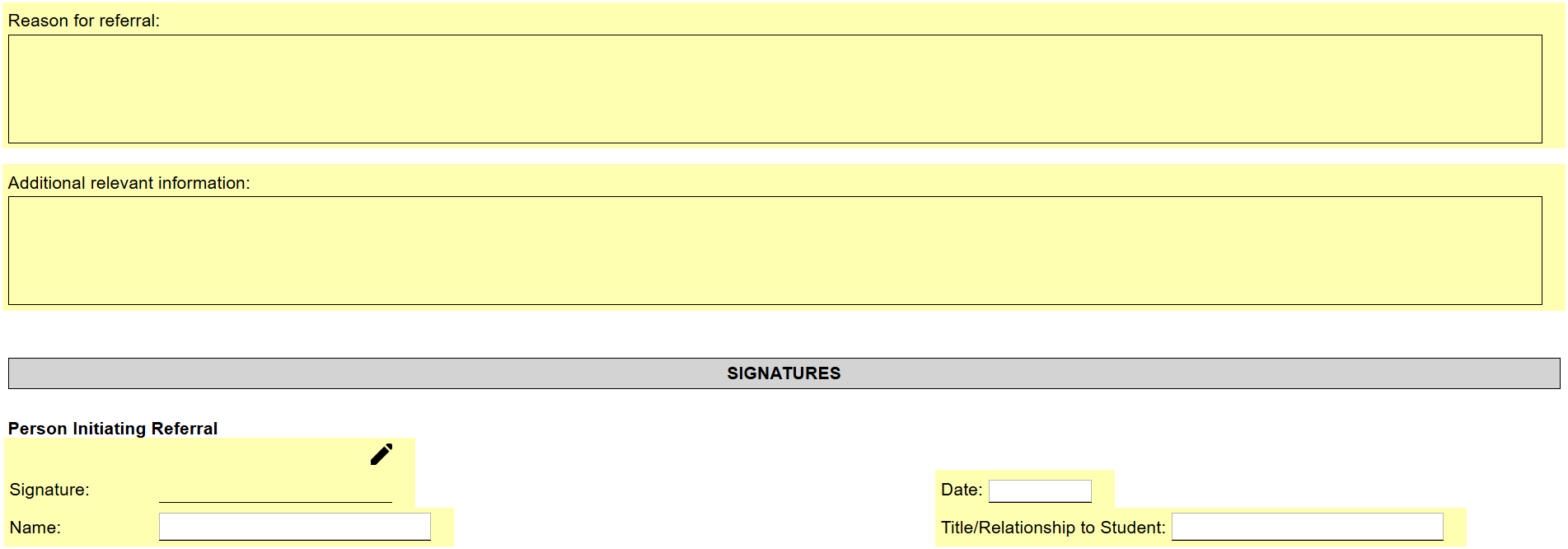
Although editable fields will be highlighted, guardians are not necessarily required to complete all highlighted fields. This new feature will help guardians locate editable fields easily, but it can still be helpful for district staff to include helpful guidance as a note when sharing the document to indicate where specifically they should sign. Notes added when sharing documents with parents/guardians will be included in the body of the email sent to the parent/guardian.